

1
创建一个新的 TanStack Start 应用
使用交互式 CLI 创建一个新的 TanStack Start 应用。
terminal
bunx @tanstack/cli create my-tanstack-app
2
启动开发服务器
切换到项目目录,并使用 Bun 启动 Vite 开发服务器。
terminal
cd my-tanstack-app
bun --bun run dev
3
更新 package.json 中的脚本
在
package.json 的 scripts 字段中,为 Vite CLI 命令添加 bun --bun 前缀,以便 Bun 为 dev、build 和 preview 运行 Vite CLI。package.json
{
  "scripts": {
    "dev": "bun --bun vite dev",
    "build": "bun --bun vite build",
    "preview": "bun --bun vite preview"
  }
}
部署托管
要在生产环境中托管你的 TanStack Start 应用,请使用 Nitro 或自定义 Bun 服务器。- Nitro
- 自定义服务器
1
将 Nitro 添加到项目
将 Nitro 添加到项目中,以便将你的 TanStack Start 应用部署到不同的平台。
terminal
bun add nitro
2
更新你的 vite.config.ts 文件
将 Nitro 插件添加到你的  vite.config.ts
vite.config.ts 文件中。vite.config.ts// 其他导入...
import { nitro } from "nitro/vite";
const config = defineConfig({
plugins: [
tanstackStart(),
nitro({ preset: "bun" }),
// 其他插件...
],
});
export default config;
bun 预设是可选的,但它会针对 Bun 运行时特别配置构建输出。3
更新启动命令
确保你的
package.json 文件中包含 build 和 start 脚本:package.json
  {
    "scripts": {
      "build": "bun --bun vite build",
      // 当你运行 `bun run build` 时,Nitro 会创建 .output 文件夹。
      // 部署到 Vercel 时不需要此配置。
      "start": "bun run .output/server/index.mjs"
    }
  }
部署到 Vercel 时,不需要 自定义的
start 脚本。4
部署你的应用
使用以下指南之一,将你的应用部署到托管服务提供商。
部署到 Vercel 时,可以将 vite.config.ts
"bunVersion": "1.x" 添加到你的 vercel.json 文件中,或者在 vite.config.ts 文件的 nitro 配置中设置 Bun 版本:部署到 Vercel 时不要使用
bun 的 Nitro 预设。vite.config.tsexport default defineConfig({
plugins: [
tanstackStart(),
nitro({
preset: "bun",
vercel: {
functions: {
runtime: "bun1.x",
},
},
}),
],
});
此自定义服务器基于 TanStack’s Bun template。它让你能够精细控制静态资源的提供方式:服务器会将小文件预加载到内存中,并按需提供较大的文件。你可以配置服务器预加载内容的限制。
1
创建生产服务器
在项目根目录中创建一个 server.ts
server.ts 文件:server.ts/**
* TanStack Start 生产服务器(基于 Bun)
*
* 一个高性能的 TanStack Start 生产服务器,实现了智能的静态资源加载策略,支持内存管理配置。
*
* 功能:
* - 混合加载策略(预加载小文件,按需提供大文件)
* - 可配置的文件包含/排除规则
* - 内存高效响应生成
* - 生产环境缓存头配置
*
* 环境变量说明:
*
* PORT (number)
* - 服务器监听端口
* - 默认: 3000
*
* ASSET_PRELOAD_MAX_SIZE (number)
* - 预加载到内存的最大文件大小(字节)
* - 超出此大小的文件将按需从磁盘读取
* - 默认: 5242880 (5MB)
* - 例如: ASSET_PRELOAD_MAX_SIZE=5242880 (5MB)
*
* ASSET_PRELOAD_INCLUDE_PATTERNS (string)
* - 逗号分隔的 glob 模式列表,指定包含的文件
* - 如果设置,只有匹配的文件才会被预加载
* - 匹配文件名而非完整路径
* - 例如: ASSET_PRELOAD_INCLUDE_PATTERNS="*.js,*.css,*.woff2"
*
* ASSET_PRELOAD_EXCLUDE_PATTERNS (string)
* - 逗号分隔的 glob 模式列表,指定排除的文件
* - 在包含规则之后应用
* - 匹配文件名而非完整路径
* - 例如: ASSET_PRELOAD_EXCLUDE_PATTERNS="*.map,*.txt"
*
* ASSET_PRELOAD_VERBOSE_LOGGING (boolean)
* - 启用详细文件加载日志
* - 默认: false
* - 设置为 "true" 可开启详细输出
*
* ASSET_PRELOAD_ENABLE_ETAG (boolean)
* - 启用 ETag 支持
* - 默认: true
* - 设置为 "false" 禁用 ETag
*
* ASSET_PRELOAD_ENABLE_GZIP (boolean)
* - 启用 Gzip 压缩
* - 默认: true
* - 设置为 "false" 禁用 Gzip
*
* ASSET_PRELOAD_GZIP_MIN_SIZE (number)
* - Gzip 压缩的最小文件大小(字节)
* - 小于此大小不压缩
* - 默认: 1024 (1KB)
*
* ASSET_PRELOAD_GZIP_MIME_TYPES (string)
* - 支持 Gzip 压缩的 MIME 类型,逗号分隔
* - 支持以 "/" 结尾的部分匹配
* - 默认: text/,application/javascript,application/json,application/xml,image/svg+xml
*
* 启动方式:
* bun run server.ts
*/
import path from 'node:path'
// 配置部分
const SERVER_PORT = Number(process.env.PORT ?? 3000)
const CLIENT_DIRECTORY = './dist/client'
const SERVER_ENTRY_POINT = './dist/server/server.js'
// 专业日志工具
const log = {
info: (message: string) => {
console.log(`[INFO] ${message}`)
},
success: (message: string) => {
console.log(`[SUCCESS] ${message}`)
},
warning: (message: string) => {
console.log(`[WARNING] ${message}`)
},
error: (message: string) => {
console.log(`[ERROR] ${message}`)
},
header: (message: string) => {
console.log(`\n${message}\n`)
},
}
// 预加载相关配置(从环境变量读取)
const MAX_PRELOAD_BYTES = Number(
process.env.ASSET_PRELOAD_MAX_SIZE ?? 5 * 1024 * 1024, // 默认 5MB
)
// 解析包含规则, 无默认
const INCLUDE_PATTERNS = (process.env.ASSET_PRELOAD_INCLUDE_PATTERNS ?? '')
.split(',')
.map((s) => s.trim())
.filter(Boolean)
.map((pattern: string) => convertGlobToRegExp(pattern))
// 解析排除规则, 无默认
const EXCLUDE_PATTERNS = (process.env.ASSET_PRELOAD_EXCLUDE_PATTERNS ?? '')
.split(',')
.map((s) => s.trim())
.filter(Boolean)
.map((pattern: string) => convertGlobToRegExp(pattern))
// 是否开启详细日志
const VERBOSE = process.env.ASSET_PRELOAD_VERBOSE_LOGGING === 'true'
// 是否启用 ETag
const ENABLE_ETAG = (process.env.ASSET_PRELOAD_ENABLE_ETAG ?? 'true') === 'true'
// 是否启用 gzip
const ENABLE_GZIP = (process.env.ASSET_PRELOAD_ENABLE_GZIP ?? 'true') === 'true'
const GZIP_MIN_BYTES = Number(process.env.ASSET_PRELOAD_GZIP_MIN_SIZE ?? 1024) // 1KB
const GZIP_TYPES = (
process.env.ASSET_PRELOAD_GZIP_MIME_TYPES ??
'text/,application/javascript,application/json,application/xml,image/svg+xml'
)
.split(',')
.map((v) => v.trim())
.filter(Boolean)
/**
* 将简单的 glob 模式转换为正则表达式
* 支持 * 通配符匹配任意字符
*/
function convertGlobToRegExp(globPattern: string): RegExp {
// 转义正则特殊字符,除了 *, 然后将 * 替换为 .*
const escapedPattern = globPattern
.replace(/[-/\\^$+?.()|[\]{}]/g, '\\$&')
.replace(/\*/g, '.*')
return new RegExp(`^${escapedPattern}$`, 'i')
}
/**
* 计算给定数据的 ETag 值
*/
function computeEtag(data: Uint8Array): string {
const hash = Bun.hash(data)
return `W/"${hash.toString(16)}-${data.byteLength.toString()}"`
}
/**
* 预加载静态资源的元数据接口
*/
interface AssetMetadata {
route: string
size: number
type: string
}
/**
* 支持 ETag 和 Gzip 的内存资源接口
*/
interface InMemoryAsset {
raw: Uint8Array
gz?: Uint8Array
etag?: string
type: string
immutable: boolean
size: number
}
/**
* 预加载结果接口
*/
interface PreloadResult {
routes: Record<string, (req: Request) => Response | Promise<Response>>
loaded: AssetMetadata[]
skipped: AssetMetadata[]
}
/**
* 判断文件是否符合预加载条件
*/
function isFileEligibleForPreloading(relativePath: string): boolean {
const fileName = relativePath.split(/[/\\]/).pop() ?? relativePath
// 如果指定了包含规则,文件必须匹配至少一个
if (INCLUDE_PATTERNS.length > 0) {
if (!INCLUDE_PATTERNS.some((pattern) => pattern.test(fileName))) {
return false
}
}
// 如果指定了排除规则,文件不得匹配任何一个
if (EXCLUDE_PATTERNS.some((pattern) => pattern.test(fileName))) {
return false
}
return true
}
/**
* 判断 MIME 类型是否支持压缩
*/
function isMimeTypeCompressible(mimeType: string): boolean {
return GZIP_TYPES.some((type) =>
type.endsWith('/') ? mimeType.startsWith(type) : mimeType === type,
)
}
/**
* 根据大小和 MIME 类型决定是否压缩数据
*/
function compressDataIfAppropriate(
data: Uint8Array,
mimeType: string,
): Uint8Array | undefined {
if (!ENABLE_GZIP) return undefined
if (data.byteLength < GZIP_MIN_BYTES) return undefined
if (!isMimeTypeCompressible(mimeType)) return undefined
try {
return Bun.gzipSync(data.buffer as ArrayBuffer)
} catch {
return undefined
}
}
/**
* 创建支持 ETag 和 Gzip 的响应处理函数
*/
function createResponseHandler(
asset: InMemoryAsset,
): (req: Request) => Response {
return (req: Request) => {
const headers: Record<string, string> = {
'Content-Type': asset.type,
'Cache-Control': asset.immutable
? 'public, max-age=31536000, immutable'
: 'public, max-age=3600',
}
if (ENABLE_ETAG && asset.etag) {
const ifNone = req.headers.get('if-none-match')
if (ifNone && ifNone === asset.etag) {
return new Response(null, {
status: 304,
headers: { ETag: asset.etag },
})
}
headers.ETag = asset.etag
}
if (
ENABLE_GZIP &&
asset.gz &&
req.headers.get('accept-encoding')?.includes('gzip')
) {
headers['Content-Encoding'] = 'gzip'
headers['Content-Length'] = String(asset.gz.byteLength)
const gzCopy = new Uint8Array(asset.gz)
return new Response(gzCopy, { status: 200, headers })
}
headers['Content-Length'] = String(asset.raw.byteLength)
const rawCopy = new Uint8Array(asset.raw)
return new Response(rawCopy, { status: 200, headers })
}
}
/**
* 创建复合 glob 模式,用于扫描文件
*/
function createCompositeGlobPattern(): Bun.Glob {
const raw = (process.env.ASSET_PRELOAD_INCLUDE_PATTERNS ?? '')
.split(',')
.map((s) => s.trim())
.filter(Boolean)
if (raw.length === 0) return new Bun.Glob('**/*')
if (raw.length === 1) return new Bun.Glob(raw[0])
return new Bun.Glob(`{${raw.join(',')}}`)
}
/**
* 初始化静态路由,智能选择预加载策略
* 小文件加载入内存,较大文件按需加载
*/
async function initializeStaticRoutes(
clientDirectory: string,
): Promise<PreloadResult> {
const routes: Record<string, (req: Request) => Response | Promise<Response>> =
{}
const loaded: AssetMetadata[] = []
const skipped: AssetMetadata[] = []
log.info(`从 ${clientDirectory} 加载静态资源...`)
if (VERBOSE) {
console.log(
`最大预加载文件大小:${(MAX_PRELOAD_BYTES / 1024 / 1024).toFixed(2)} MB`,
)
if (INCLUDE_PATTERNS.length > 0) {
console.log(
`包含模式:${process.env.ASSET_PRELOAD_INCLUDE_PATTERNS ?? ''}`,
)
}
if (EXCLUDE_PATTERNS.length > 0) {
console.log(
`排除模式:${process.env.ASSET_PRELOAD_EXCLUDE_PATTERNS ?? ''}`,
)
}
}
let totalPreloadedBytes = 0
try {
const glob = createCompositeGlobPattern()
for await (const relativePath of glob.scan({ cwd: clientDirectory })) {
const filepath = path.join(clientDirectory, relativePath)
const route = `/${relativePath.split(path.sep).join(path.posix.sep)}`
try {
// 获取文件元数据
const file = Bun.file(filepath)
// 文件不存在或为空跳过
if (!(await file.exists()) || file.size === 0) {
continue
}
const metadata: AssetMetadata = {
route,
size: file.size,
type: file.type || 'application/octet-stream',
}
// 判断文件是否符合预加载条件
const matchesPattern = isFileEligibleForPreloading(relativePath)
const withinSizeLimit = file.size <= MAX_PRELOAD_BYTES
if (matchesPattern && withinSizeLimit) {
// 小文件预加载到内存,支持 ETag 和 Gzip
const bytes = new Uint8Array(await file.arrayBuffer())
const gz = compressDataIfAppropriate(bytes, metadata.type)
const etag = ENABLE_ETAG ? computeEtag(bytes) : undefined
const asset: InMemoryAsset = {
raw: bytes,
gz,
etag,
type: metadata.type,
immutable: true,
size: bytes.byteLength,
}
routes[route] = createResponseHandler(asset)
loaded.push({ ...metadata, size: bytes.byteLength })
totalPreloadedBytes += bytes.byteLength
} else {
// 大文件或过滤的文件按需加载
routes[route] = () => {
const fileOnDemand = Bun.file(filepath)
return new Response(fileOnDemand, {
headers: {
'Content-Type': metadata.type,
'Cache-Control': 'public, max-age=3600',
},
})
}
skipped.push(metadata)
}
} catch (error: unknown) {
if (error instanceof Error && error.name !== 'EISDIR') {
log.error(`加载文件失败 ${filepath}: ${error.message}`)
}
}
}
// 只有开启详细日志时显示详细文件列表
if (VERBOSE && (loaded.length > 0 || skipped.length > 0)) {
const allFiles = [...loaded, ...skipped].sort((a, b) =>
a.route.localeCompare(b.route),
)
// 计算最大路径长度,方便对齐
const maxPathLength = Math.min(
Math.max(...allFiles.map((f) => f.route.length)),
60,
)
// 格式化文件大小,包含实际 gzip 大小
const formatFileSize = (bytes: number, gzBytes?: number) => {
const kb = bytes / 1024
const sizeStr = kb < 100 ? kb.toFixed(2) : kb.toFixed(1)
if (gzBytes !== undefined) {
const gzKb = gzBytes / 1024
const gzStr = gzKb < 100 ? gzKb.toFixed(2) : gzKb.toFixed(1)
return {
size: sizeStr,
gzip: gzStr,
}
}
// 粗略的 gzip 估算(通常 30%-70% 压缩)
const gzipKb = kb * 0.35
return {
size: sizeStr,
gzip: gzipKb < 100 ? gzipKb.toFixed(2) : gzipKb.toFixed(1),
}
}
if (loaded.length > 0) {
console.log('\n📁 预加载到内存中的文件:')
console.log(
'路径 │ 大小 │ Gzip 大小',
)
loaded
.sort((a, b) => a.route.localeCompare(b.route))
.forEach((file) => {
const { size, gzip } = formatFileSize(file.size)
const paddedPath = file.route.padEnd(maxPathLength)
const sizeStr = `${size.padStart(7)} kB`
const gzipStr = `${gzip.padStart(7)} kB`
console.log(`${paddedPath} │ ${sizeStr} │ ${gzipStr}`)
})
}
if (skipped.length > 0) {
console.log('\n💾 按需提供的文件:')
console.log(
'路径 │ 大小 │ Gzip 大小',
)
skipped
.sort((a, b) => a.route.localeCompare(b.route))
.forEach((file) => {
const { size, gzip } = formatFileSize(file.size)
const paddedPath = file.route.padEnd(maxPathLength)
const sizeStr = `${size.padStart(7)} kB`
const gzipStr = `${gzip.padStart(7)} kB`
console.log(`${paddedPath} │ ${sizeStr} │ ${gzipStr}`)
})
}
}
// 详细信息输出(如果启用详细日志)
if (VERBOSE) {
if (loaded.length > 0 || skipped.length > 0) {
const allFiles = [...loaded, ...skipped].sort((a, b) =>
a.route.localeCompare(b.route),
)
console.log('\n📊 详细文件信息:')
console.log(
'状态 │ 路径 │ MIME 类型 │ 原因 ',
)
allFiles.forEach((file) => {
const isPreloaded = loaded.includes(file)
const status = isPreloaded ? '内存' : '按需'
const reason =
!isPreloaded && file.size > MAX_PRELOAD_BYTES
? '过大'
: !isPreloaded
? '过滤'
: '预加载'
const route =
file.route.length > 30
? file.route.substring(0, 27) + '...'
: file.route
console.log(
`${status.padEnd(12)} │ ${route.padEnd(30)} │ ${file.type.padEnd(28)} │ ${reason.padEnd(10)}`,
)
})
} else {
console.log('\n📊 无文件信息可显示')
}
}
// 文件列表输出完毕后打印总结
console.log() // 空行间隔
if (loaded.length > 0) {
log.success(
`已成功预加载 ${String(loaded.length)} 个文件,合计 ${(totalPreloadedBytes / 1024 / 1024).toFixed(2)} MB 到内存`,
)
} else {
log.info('无文件预加载到内存')
}
if (skipped.length > 0) {
const tooLarge = skipped.filter((f) => f.size > MAX_PRELOAD_BYTES).length
const filtered = skipped.length - tooLarge
log.info(
`${String(skipped.length)} 个文件按需加载(${String(tooLarge)} 个过大,${String(filtered)} 个被过滤)`,
)
}
} catch (error) {
log.error(
`加载静态文件失败 ${clientDirectory}: ${String(error)}`,
)
}
return { routes, loaded, skipped }
}
/**
* 初始化服务器主函数
*/
async function initializeServer() {
log.header('启动生产服务器')
// 加载 TanStack Start 服务器处理器
let handler: { fetch: (request: Request) => Response | Promise<Response> }
try {
const serverModule = (await import(SERVER_ENTRY_POINT)) as {
default: { fetch: (request: Request) => Response | Promise<Response> }
}
handler = serverModule.default
log.success('TanStack Start 应用处理器初始化成功')
} catch (error) {
log.error(`加载服务器处理器失败: ${String(error)}`)
process.exit(1)
}
// 构建支持智能预加载的静态路由
const { routes } = await initializeStaticRoutes(CLIENT_DIRECTORY)
// 创建 Bun 服务器
const server = Bun.serve({
port: SERVER_PORT,
routes: {
// 提供静态资源 (预加载或按需)
...routes,
// 所有其他请求交由 TanStack Start 处理器
'/*': (req: Request) => {
try {
return handler.fetch(req)
} catch (error) {
log.error(`服务器处理错误: ${String(error)}`)
return new Response('服务器内部错误', { status: 500 })
}
},
},
// 全局错误处理
error(error) {
log.error(
`服务器未捕获错误: ${error instanceof Error ? error.message : String(error)}`,
)
return new Response('服务器内部错误', { status: 500 })
},
})
log.success(`服务器已启动,监听地址:http://localhost:${String(server.port)}`)
}
// 启动服务器
initializeServer().catch((error: unknown) => {
log.error(`启动服务器失败: ${String(error)}`)
process.exit(1)
})
2
更新 package.json 脚本
添加
start 脚本以运行自定义服务器:package.json
{
  "scripts": {
    "build": "bun --bun vite build",
    "start": "bun run server.ts"
  }
}
3
构建并运行
构建应用并启动服务器:服务器默认监听 3000 端口;设置
terminal
bun run build
bun run start
PORT 环境变量即可更改端口。
Vercel
在 Vercel 上部署

Render
在 Render 上部署

Railway
在 Railway 上部署

DigitalOcean
在 DigitalOcean 上部署

AWS Lambda
在 AWS Lambda 上部署

Google Cloud Run
在 Google Cloud Run 上部署
模板
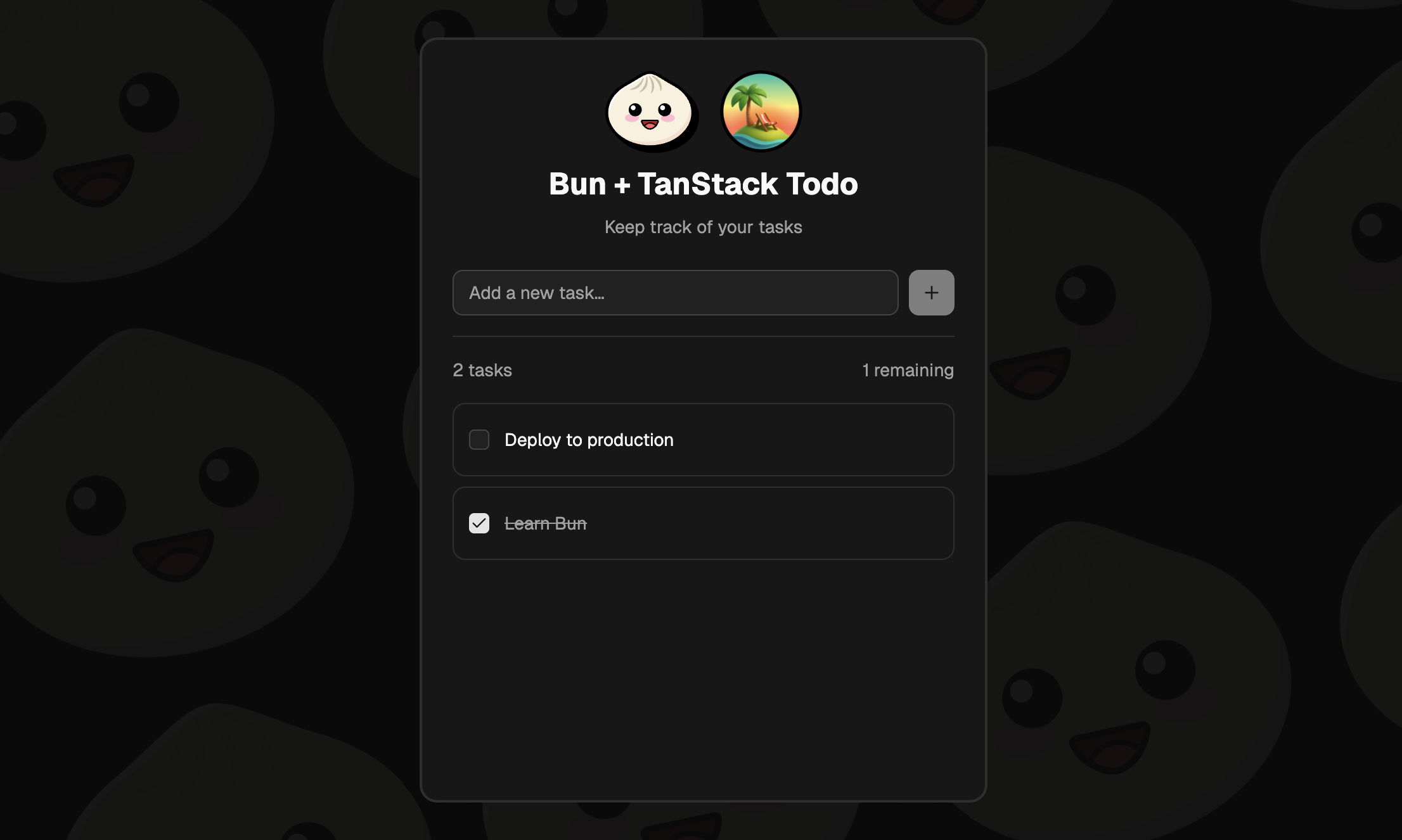
使用 Tanstack + Bun 的待办应用
一个使用 Bun、TanStack Start 和 PostgreSQL 构建的待办事项应用。
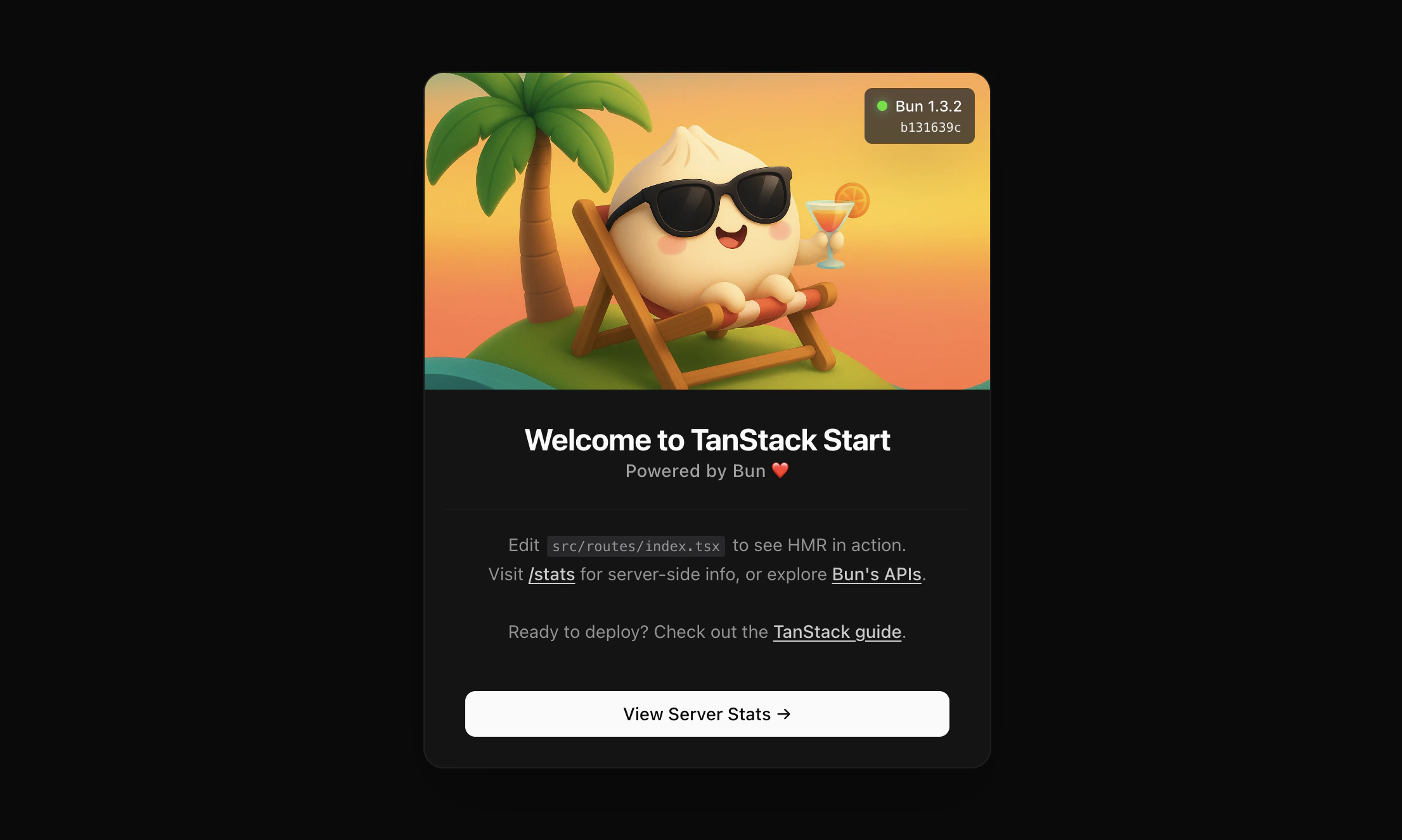
Bun + TanStack Start 应用
一个使用 Bun 的 SSR 和基于文件路由的 TanStack Start 模板。
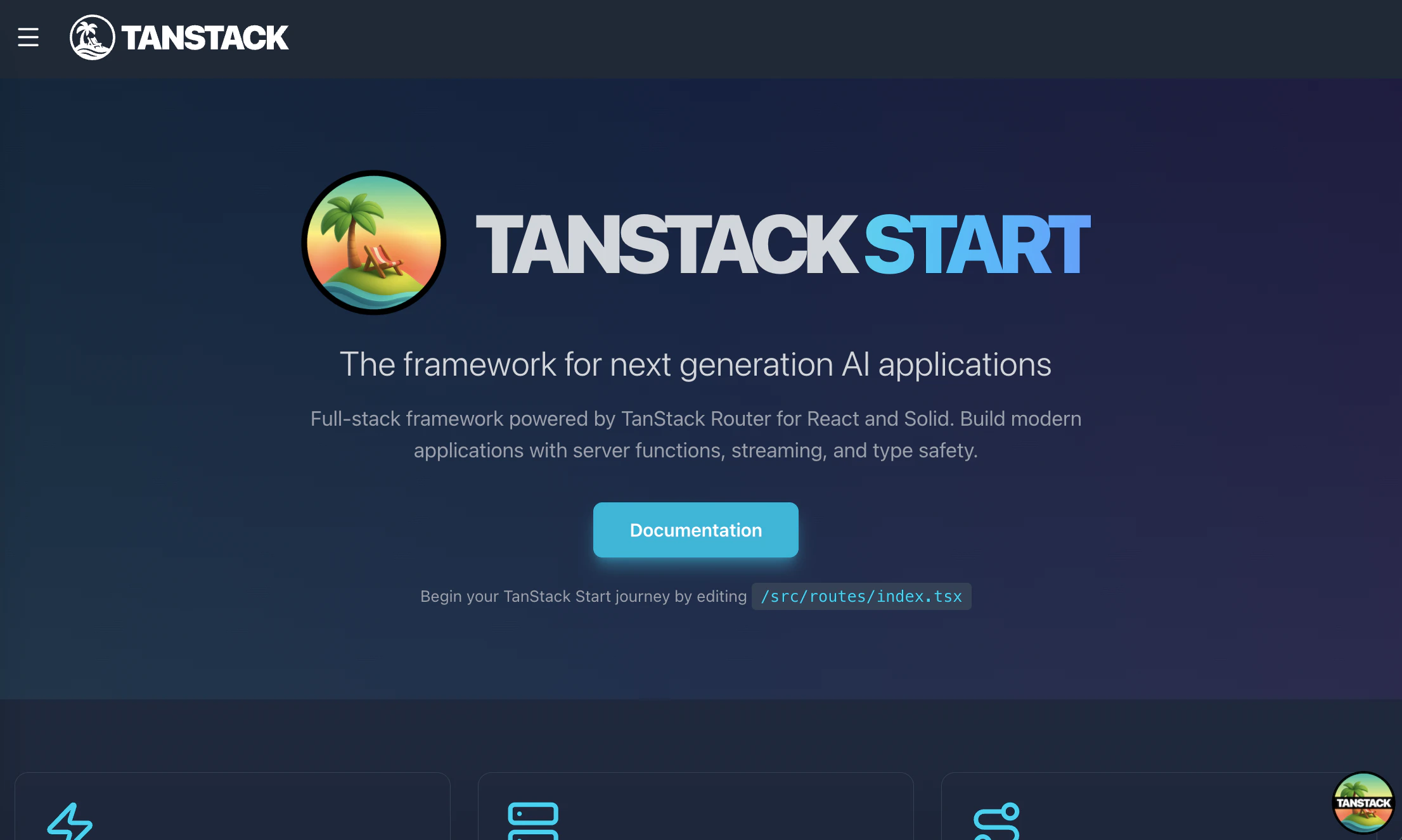
基础 Bun + Tanstack 启动器
基础的 TanStack 启动模板,使用 Bun 运行时和 Bun 的文件 APIs。
→ 查看 TanStack Start 的托管文档。